
Feature · Family portal
A window for the family, open by invitation.
Adult children and decision-makers follow the care from their own phone or tablet: visits as they complete, care notes as they’re written, only what you’ve granted. Nothing to install: an invitation and a secure email-and-password sign-in.
- Family portal: Core and up
Key capabilities
A window for the family, on your terms.
By invitation only
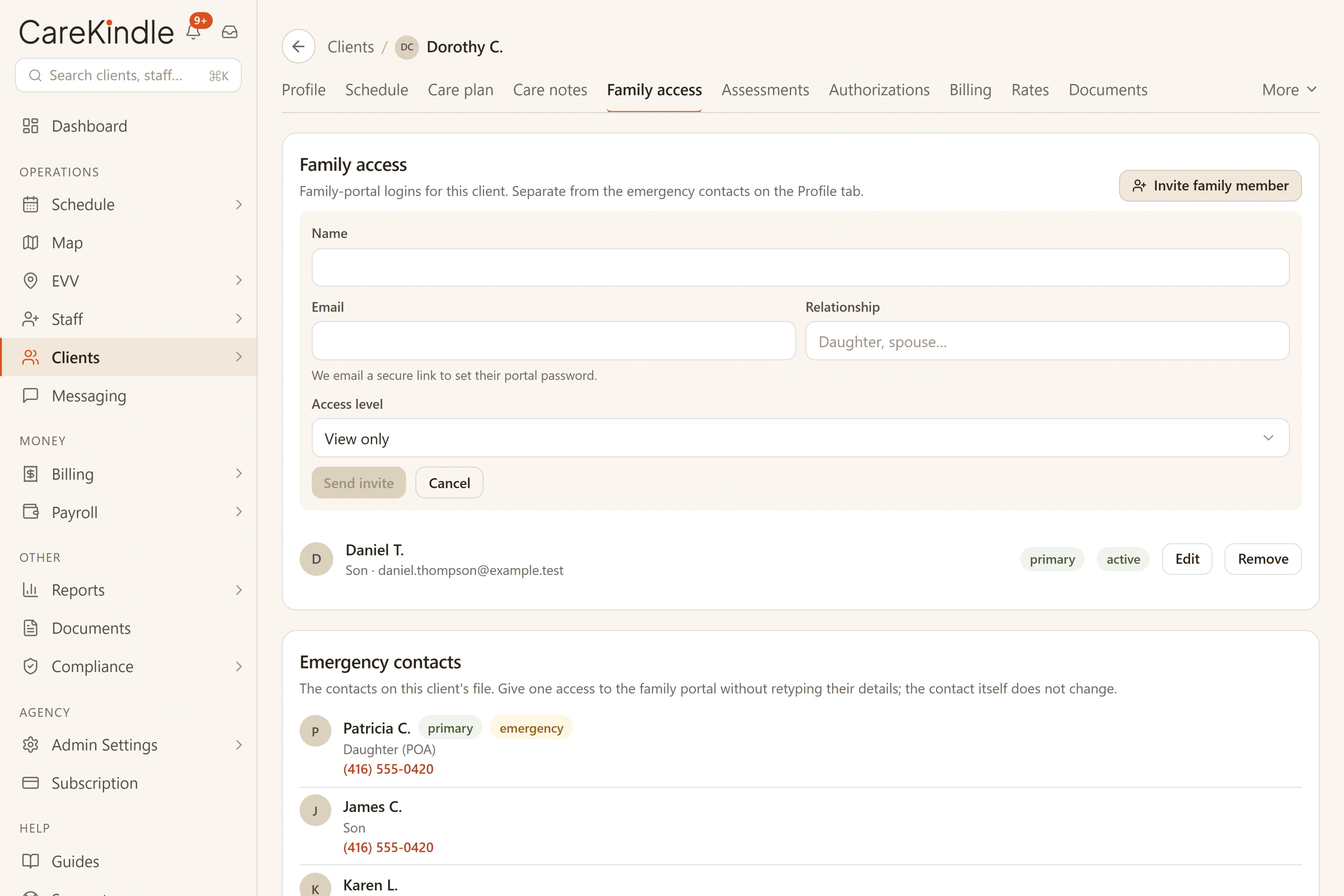
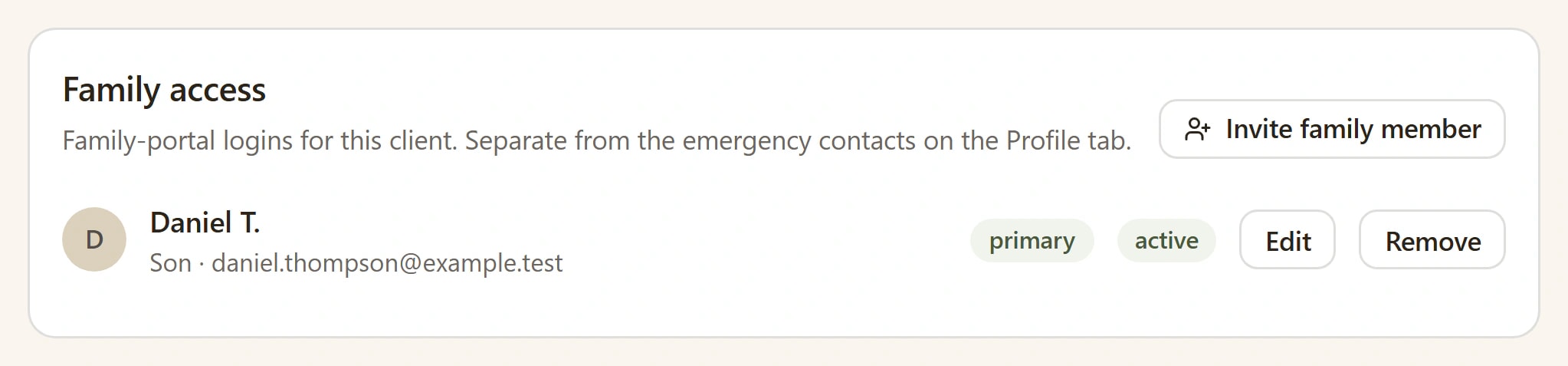
Invite a family member from the client’s chart and set their access level.
Visits as they complete
Completed visits appear in the portal when the staff member clocks out, with their first name and job title, such as Personal Support Worker or nurse.
Care notes in plain words
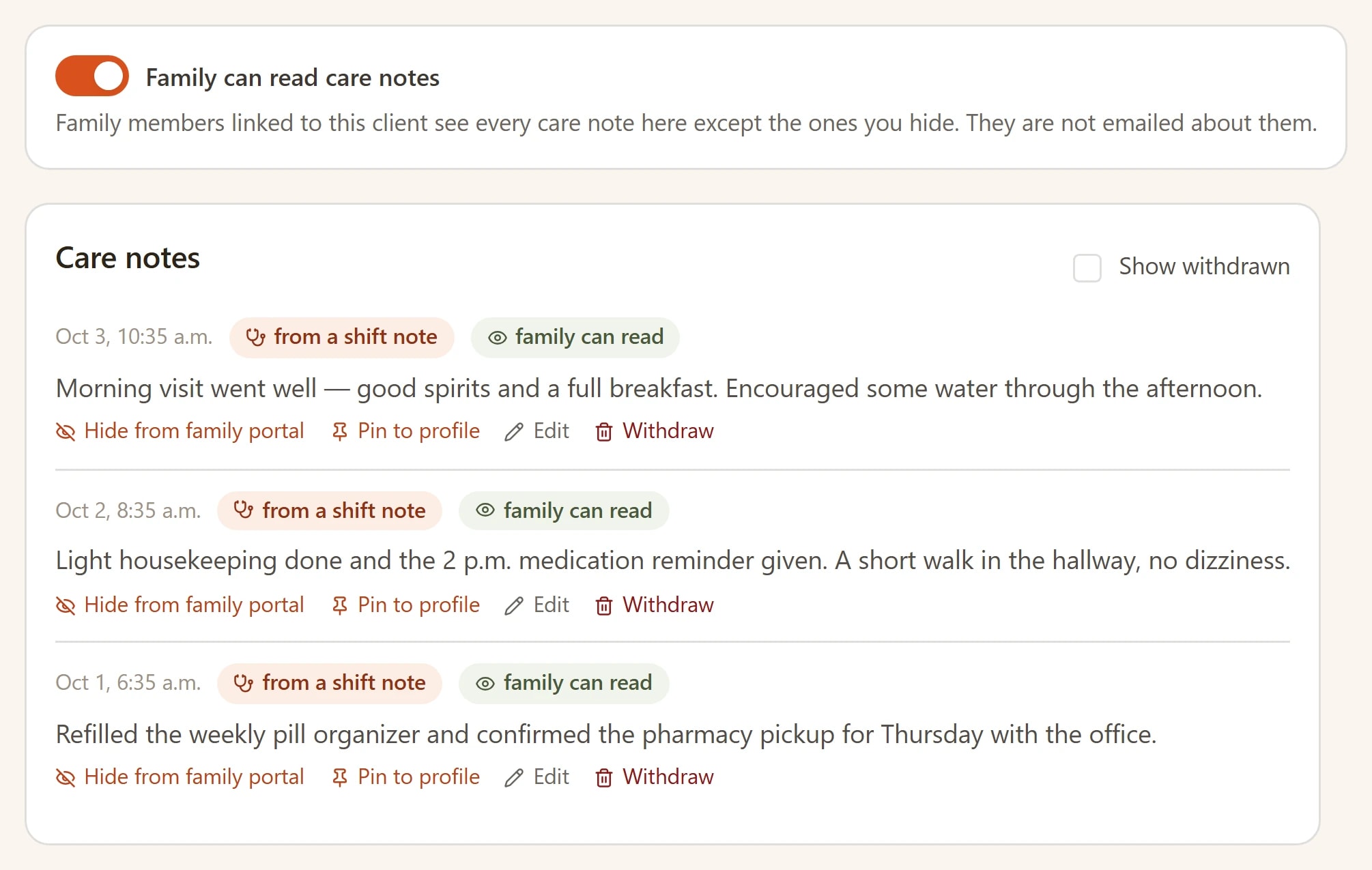
One switch per client shares care notes, and you can hide any single note.
Questions go to the office
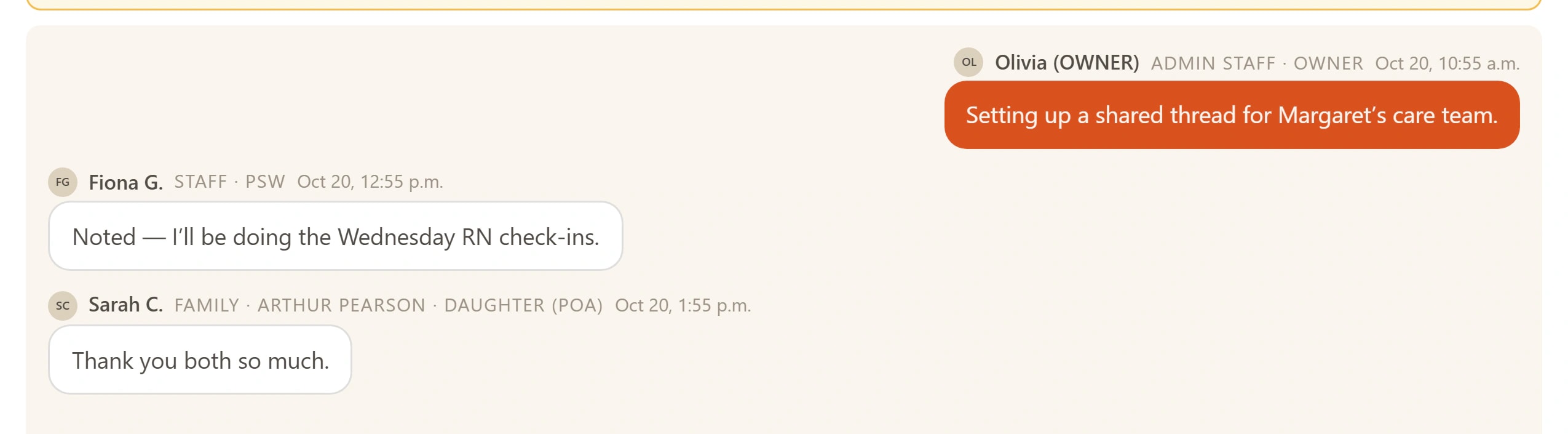
Families write to the office in one thread, answered on the record.
The family sees the visit land, on the iPad at home.
Invited family members open a view-only window on whatever they have to hand: visit history and care updates as they happen, only what you’ve granted, and nothing they shouldn’t.
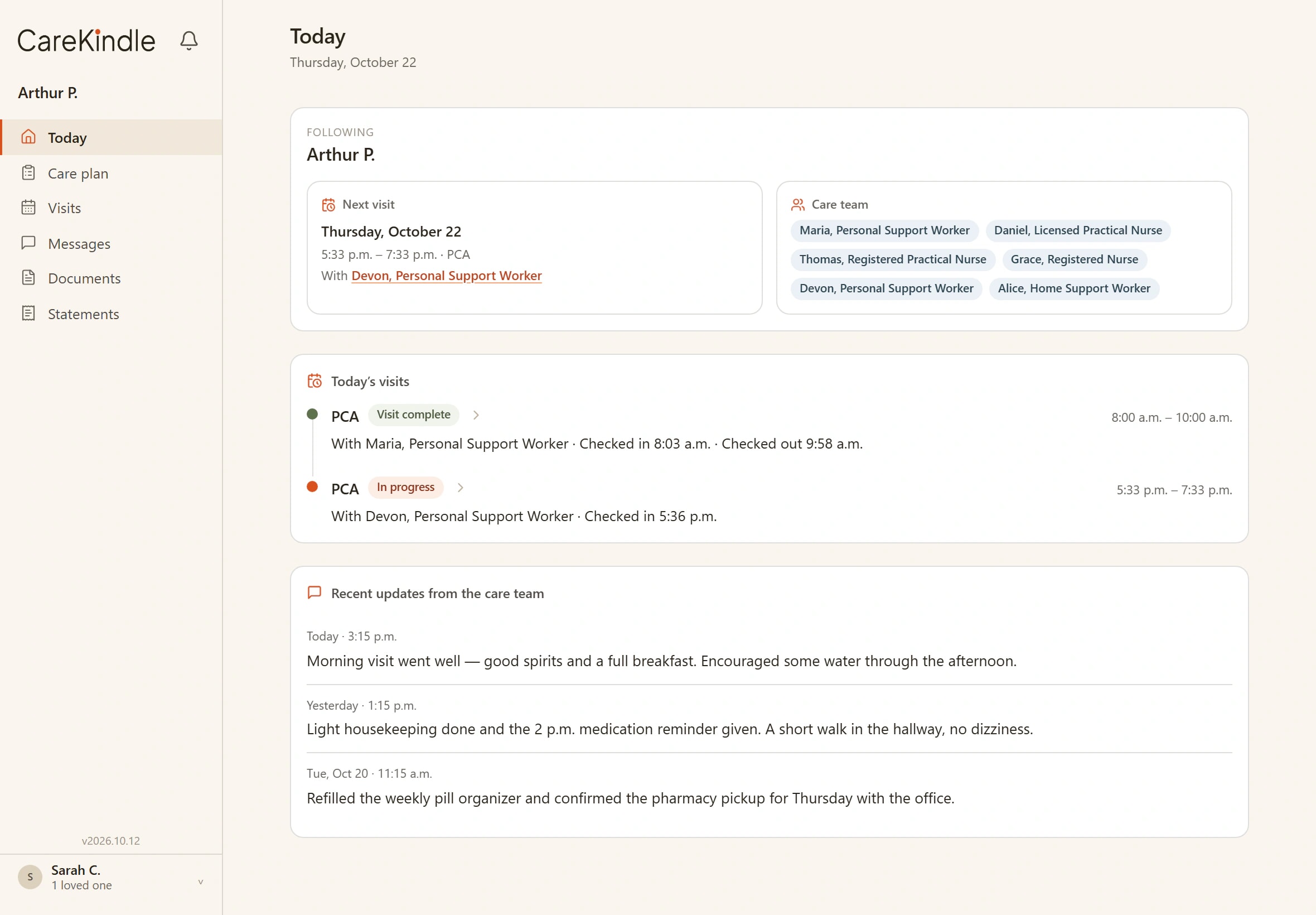

A view-only window for the family, by invitation.
Invite a family member from the client’s chart; they see view-only visit history and care updates on their own phone, only what you’ve granted, and nothing they shouldn’t.
- Invite a family member straight from the chart, with an access level.
- View-only visit history and care updates by default.
- The primary contact also sees the account: issued invoices, paid and still owing, and can open each invoice as a PDF.
- Aligned with the health-privacy laws that apply to your agency (PHIPA and PIPEDA in Canada): they see only what you grant.
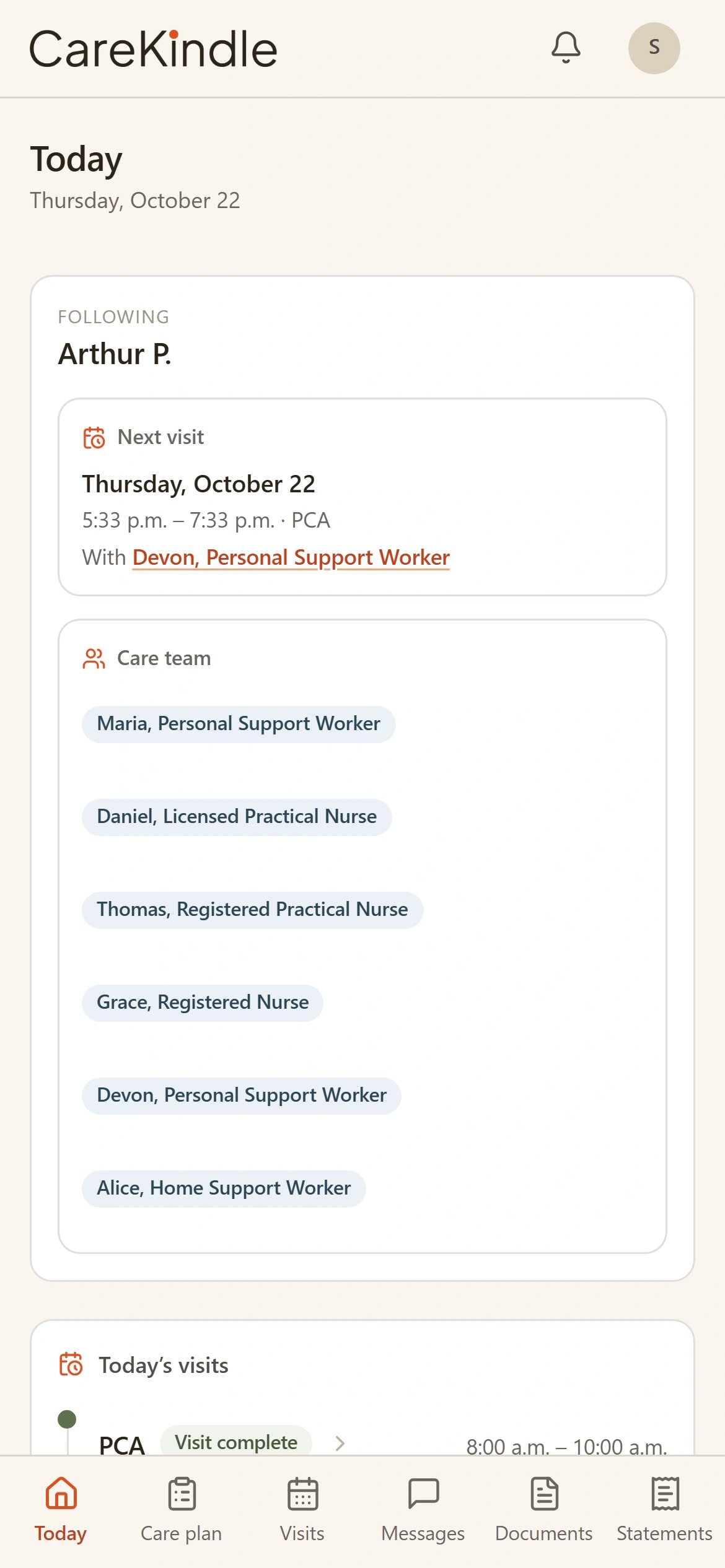
Visits land as they complete, not at the end of the month.
When the caregiver clocks out, the visit shows up in the portal. The family watches the history build day by day on their own phone, instead of calling the office to ask whether anyone came.
- Completed visits appear in the portal as they happen.
- View-only visit history on their own phone. Nothing to install.
- Each family member signs in with their own email and password.
Care notes in plain words, from the person who was there.
Once you turn on care notes for a client, the notes caregivers write at the visit reach the family as care updates: what happened, in plain language, from the caregiver who was in the room. The record stays the agency’s: the family reads a window onto it, never a copy of it.
- Care updates drawn from the visit record, not retyped for the family.
- View-only: families read, they never edit the record.
- One switch per client shares its care notes, and you can hide any single note.
Questions go to the office, not around it.
When something in the portal raises a question, the family writes to the office in the same place, and a coordinator answers under the agency’s name, not from a caregiver’s personal phone.
- A message thread between the family and the office, kept with the client.
- Coordinators reply from the office, on the record.
- Fewer status calls: the answer is usually already in the portal.
- Need to cancel or move a visit? They ask from the visit itself, and your answer lands back on the same card.
One window, three sides
Built for the people around the client.
Family
A view-only window, by invitation: visit history and care updates on their own phone, only what you’ve granted.
Coordinator
Invites family from the client’s chart, sets each person’s access level, and answers questions in one thread instead of a day of phone calls.
Caregiver
Does the visit and writes the note once. When the agency shares care notes for that client, the portal carries it to the family, with no side-channel texts to manage.
The family sees the care, not the chart.
A window, not a copy: visit history and care updates scoped to what you grant, while the record itself stays with your agency.
Works with
One platform, so the work carries on.
Each feature reads from the same records, so what happens here is ready for the next step without retyping.
Mobile App
One app for caregivers, families and the office: today’s visits, GPS check-in and updates.
Client charts
Conditions, medications, schedule pattern and the family, on one chart from day one.
Give the family a window, not a phone tree.
14-day trial · full access · no credit card.