
Feature · Visit verification
Prove every visit happened, with a record you can stand behind.
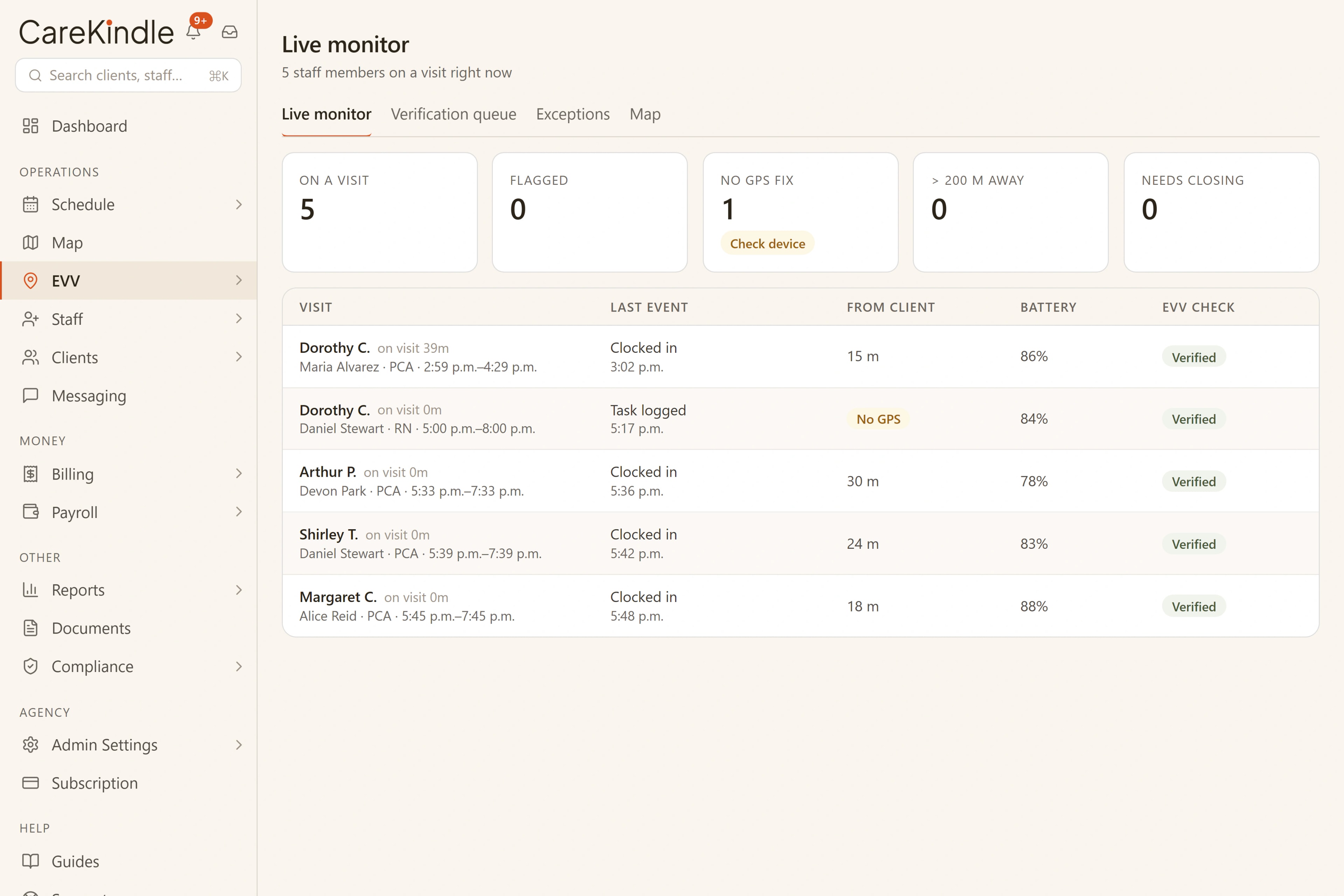
Staff check in and out by GPS; anything off (location, signal, a short visit) lands in a queue a person reviews. Your office watches the day on a live board, so a verified visit flows straight into billing and payroll.
Key capabilities
Proof captured at the door, reviewed by a person.
GPS check-in and check-out
Each visit is stamped with its location and time on the staff member’s own phone.
A live board for the office
Every check-in, check-out and flag lands on one board in real time.
One exception queue
A location mismatch, no GPS fix or a short visit waits for a coordinator.
Your rule, your radius
Set the location check to off, a warning or a block, at the radius you choose.
How a visit verifies
One visit, from the door to the day’s board
- 1
GPS check-in, right at the door
The staff member checks in and out by GPS on their own phone, and CareKindle stamps the visit with its location and time. The proof is captured at the door, not reconstructed later from memory.
- 2
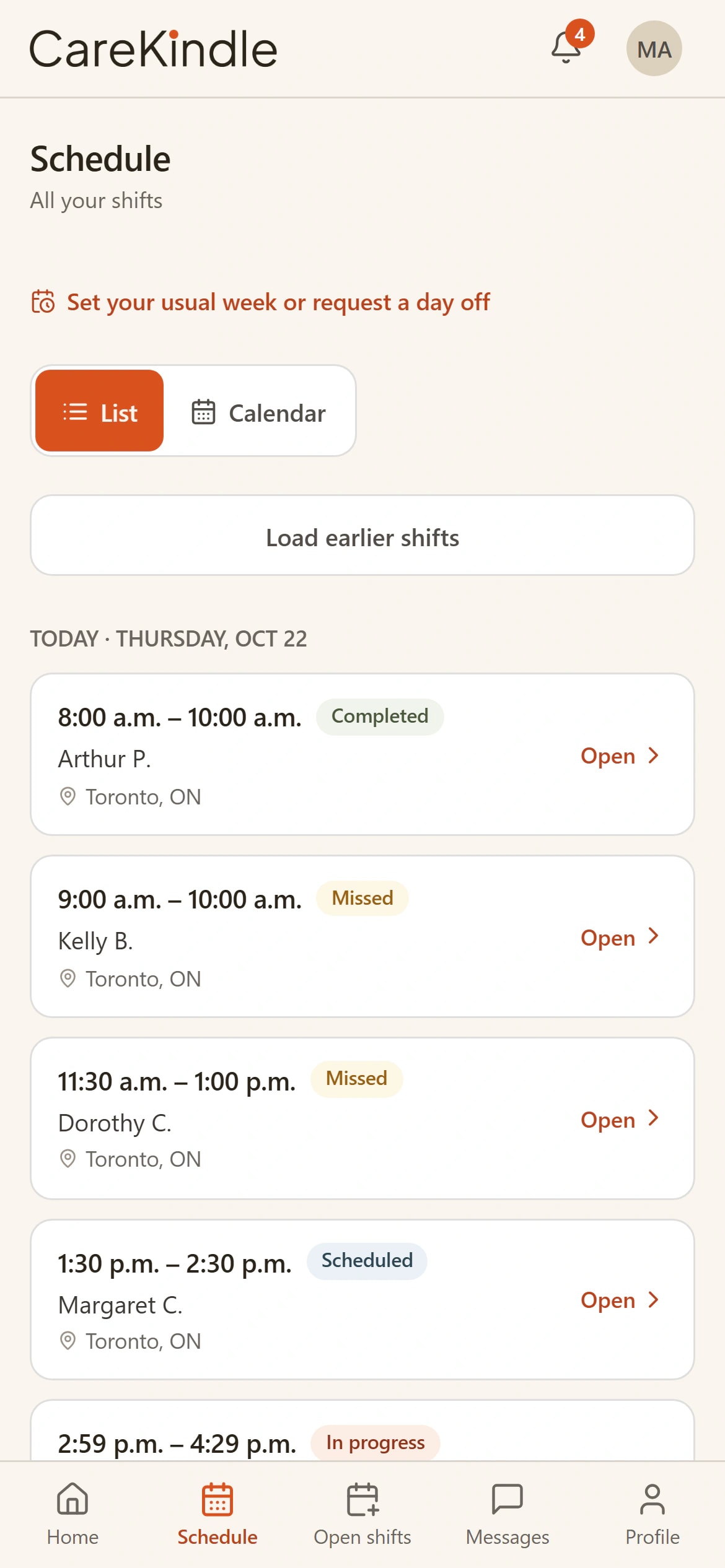
The whole day on a live board
Your office watches every visit land in real time. Check-ins, check-outs, and anything flagged stand out on a single live board, so no one waits until the end of the day to see how it went.

- 3
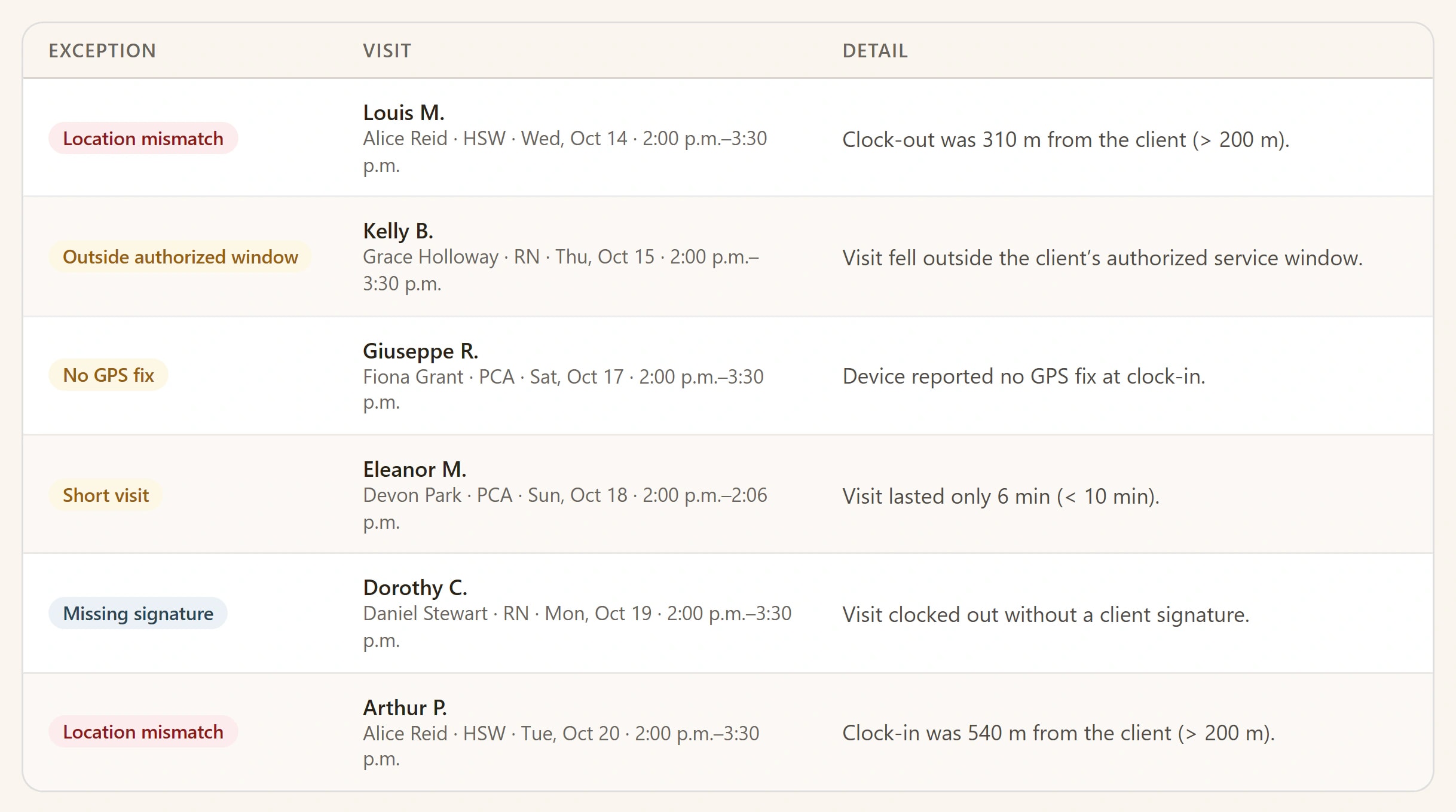
Anything off waits in one queue
A location mismatch, no GPS fix, or a short visit never slips past. Each one lands in a single queue where a coordinator reviews it and clears it with a documented reason.
One verified record
A verified visit becomes the payroll line, then the invoice total. The same proof carries all the way through.
Nothing slips past
Every flag named, every exception closed by a person
A location mismatch, no GPS fix, or a short visit never slips past the end of the day. Each one lands in a single queue where a coordinator reviews it, and every flagged visit clears with a documented reason. The distance is measured against the client’s own address once that address has been located on the map, and Settings lists every address that has not been located yet, with the reason, so the gaps are something you can see and fix rather than something you have to assume.
- Every flag named: location mismatch, no GPS fix, short visit.
- Distance measured from the client’s own address, once that address is on the map.
- The location check is yours to set: off, a warning, or a block, at the radius you choose.
- A staff member who overrides a block gives a reason, and it still lands in the queue.
- Each flagged visit reviewed by a person before it clears.
- A documented reason on every exception you close.
- Addresses not yet on the map listed in Settings, with why, so nothing checks silently.
- Today’s visits and GPS pointing on a secure staff sign-in.
- Kept separate from your office staff, nothing to install.
What a verified visit gives you
- Check-in and check-out stamped at the door
- GPS
- Single exception queue a person reviews
- One
- With health-privacy law (PHIPA & PIPEDA in Canada)
- Aligned
- Number prices both payroll and billing
- One
Behind every verified visit is an hour that mattered.
The check-in, the live board and the queue all exist for this: a staff member fully present with someone who was counting on them. Get the proof out of the way, and the care is all that’s left.

A visit you can stand behind, not reconstruct from memory.
The proof is captured at the door, and it is what keeps payroll and billing priced from the same hours: a shift that ran long or short is flagged, never quietly paid one number and billed another.
- Health-privacy aligned (PHIPA/PIPEDA)
- GPS-stamped check-in and check-out
- One reviewed exception queue
- One number, to payroll and billing
Works with
One platform, so the work carries on.
Each feature reads from the same records, so what happens here is ready for the next step without retyping.
Scheduling
Build the week on a board that flags conflicts and counts what is still open.
Billing & claims
Invoices from verified visits, the right tax for your region on every one, books that export.
Compliance centre
A tamper-evident audit trail, credential tracking, consent and retention at one address.
See a day of visits verify themselves.
14-day trial · full access · no credit card.