Integrations
Your books, ready for QuickBooks Online.
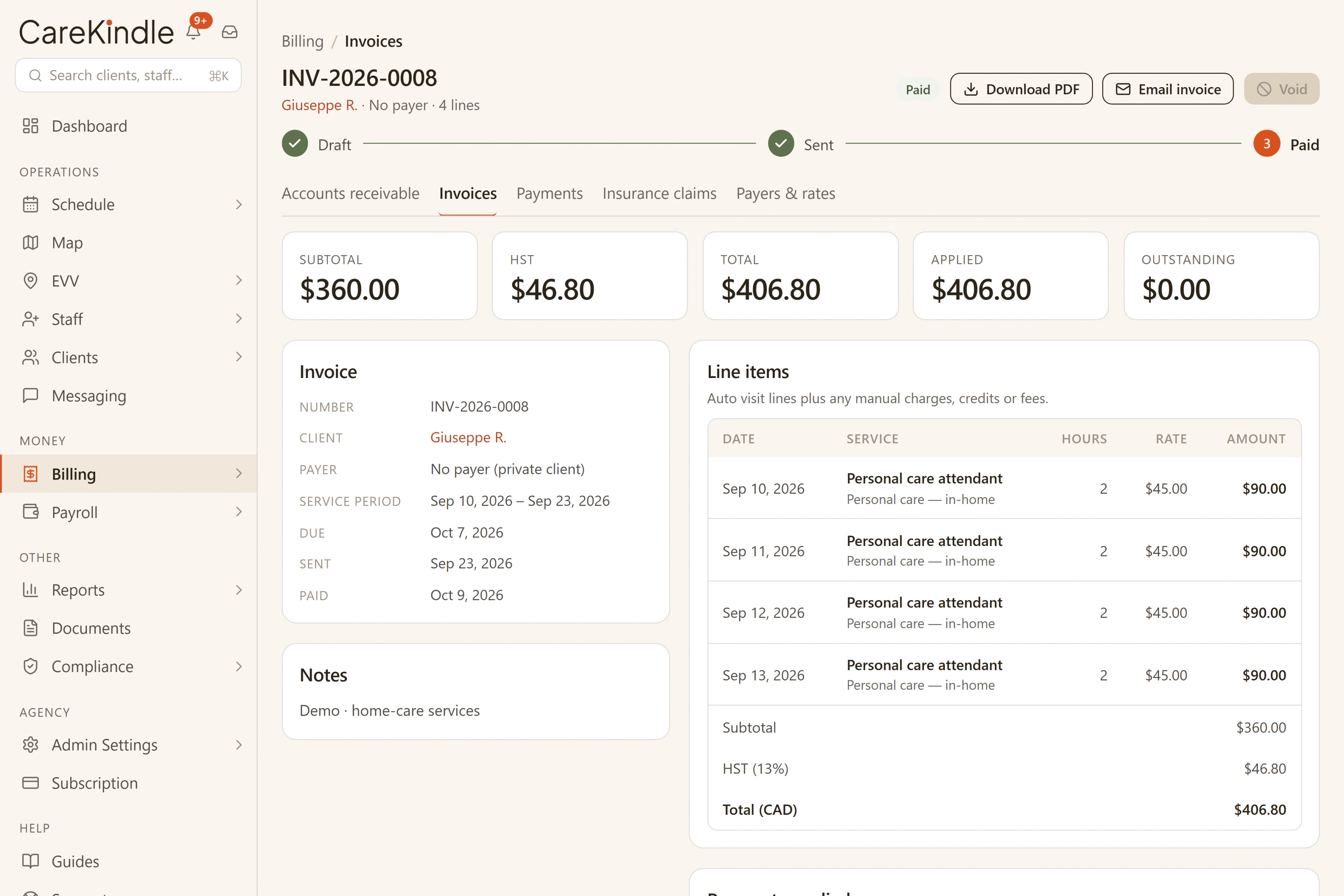
QuickBooks Online is the one tool you connect. Export your clients and invoices to a QuickBooks-ready file today, with a live sync on the way. Everything else CareKindle runs on is built in.
QuickBooks Online
QuickBooks, without the retyping.
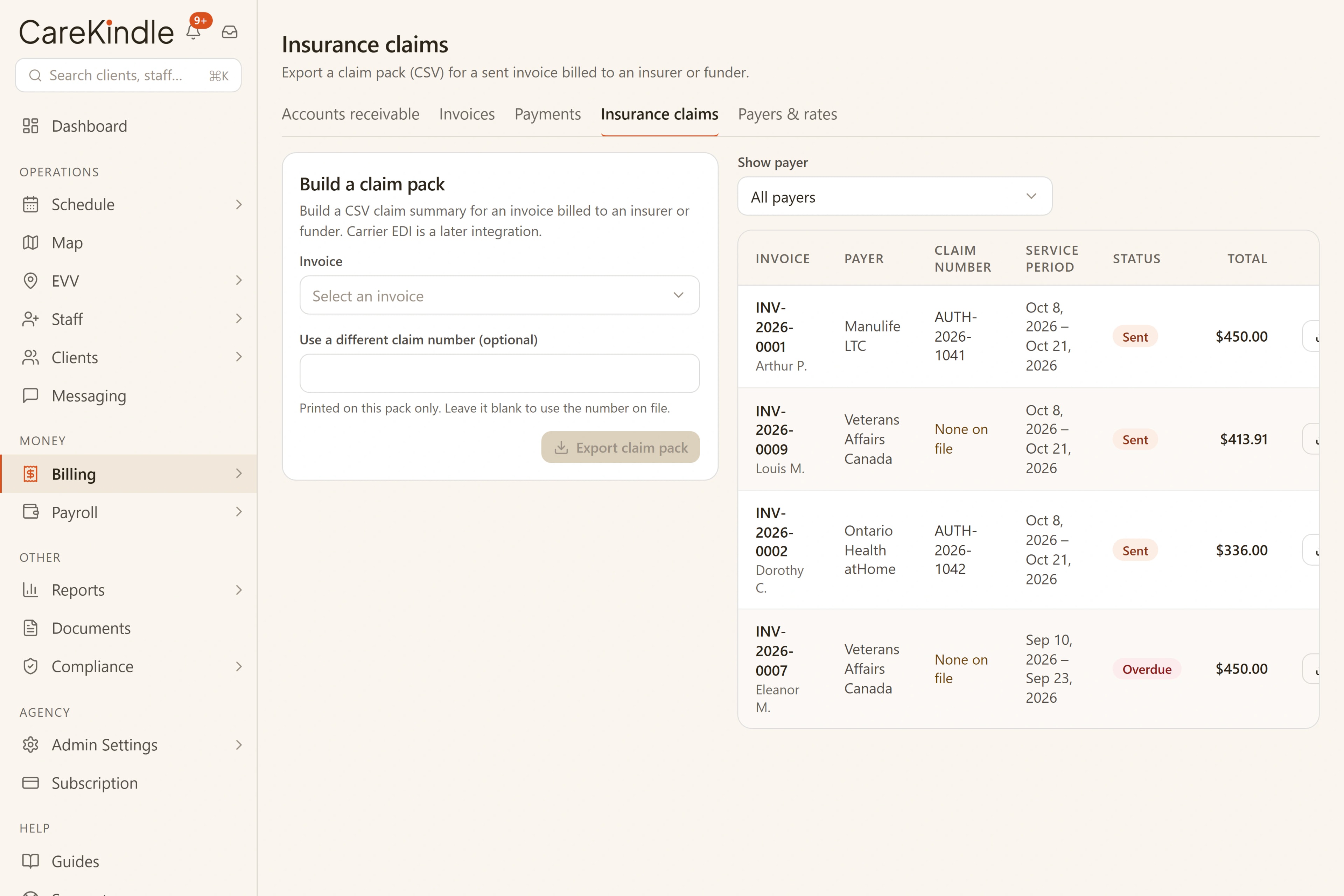
Export a QuickBooks-ready CSV today, so your bookkeeper imports clients and invoices in a click. A live QuickBooks Online sync is on the way, pushing each record straight to its place instead of a file.
- CSV export: available today
- Live QuickBooks Online sync: coming soon
| In CareKindle | In QuickBooks Online |
|---|---|
| Clients | Customers |
| Contractor caregivers | Vendors, billed as Bills |
| Employee caregivers | Employees |
| Invoices | Invoices |
Built in, no setup
The rest runs in the background.
Secure payment processing, the maps behind visit verification, and the email that keeps office, field and families in the loop are built into CareKindle. There is nothing to connect or configure; they work the moment you start. QuickBooks Online is the one place your data flows out to.
Payment processing
Secure payment processing, built in.
Maps
The maps behind visit verification.
Email
Keeps office, field and families in the loop.
The numbers keep up, so nobody has to.
While your team is out with clients, visits become invoices and your books stay current on their own. No one on the floor has to stop and re-enter anything, and the day still adds up correctly.

Keep the whole operation in one calm place.
14-day trial · full access · no credit card.